> AI video studio — architecture, UX process, UI design & prototype
Tale Studio Renewal
I led Tale Studio's renewal end to end — an AI service that takes a one-line idea to video. I re-architected a tangled pipeline into Producer → Writer → Artist → Storyboard, designed every stage's happy, branching, error and rollback flows as flow charts, then designed the design system and every screen in Figma, built a single-file prototype wired to those flows, and wrote the dev handoff. I also designed 17 states for the agent character, Lumi.
- Client
- Tale Studio
- Role
- Architecture & processStage model · per-stage flow charts
- UI designFigma — foundations, components, 4 stages
- PrototypeSingle-file HTML, wired to the flow
- Dev handoffBefore → after change spec
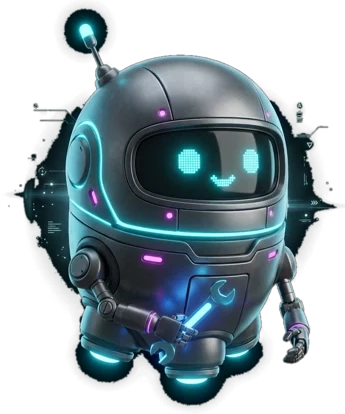
- Character & logo17 Lumi states · TAil logo
- Stage
- In progress
- Skills
- Service ArchitectureUser FlowFigma Design SystemHTML PrototypeDev HandoffCharacter System
Challenge
Stages were tangled: Writer handled prose, then drawings and shots, with gates like a runtime check at every hand-off. Parts of the screen stayed live while the AI worked, so requests collided — and design and engineering struggled to share one picture of what was changing where.
Objective
Re-split the stages by the work they do, design every branch and exception first, and deliver it in a form you can click through and hand straight to engineering.
Architecture — redefining stages
Stages by the work they do: prose in Writer, art in Artist, shots in Storyboard.
- 01Passed stages are 'done', not 'locked'Later changes (new cast, looks, shots) never sync back. Only Artist ⇄ Storyboard go back and forth.
- 02Full-screen lock while the AI worksEvery input pauses so requests can't collide, and Lumi's 'making' states carry the wait.
- 03Manual edits live in a popupChat locks while it's open, so chat and hand edits never touch the same data at once.
- 04Rollback only when it mustOnly a cast member or set missing from the prose sends you back — with affected shots and estimated credits shown first.
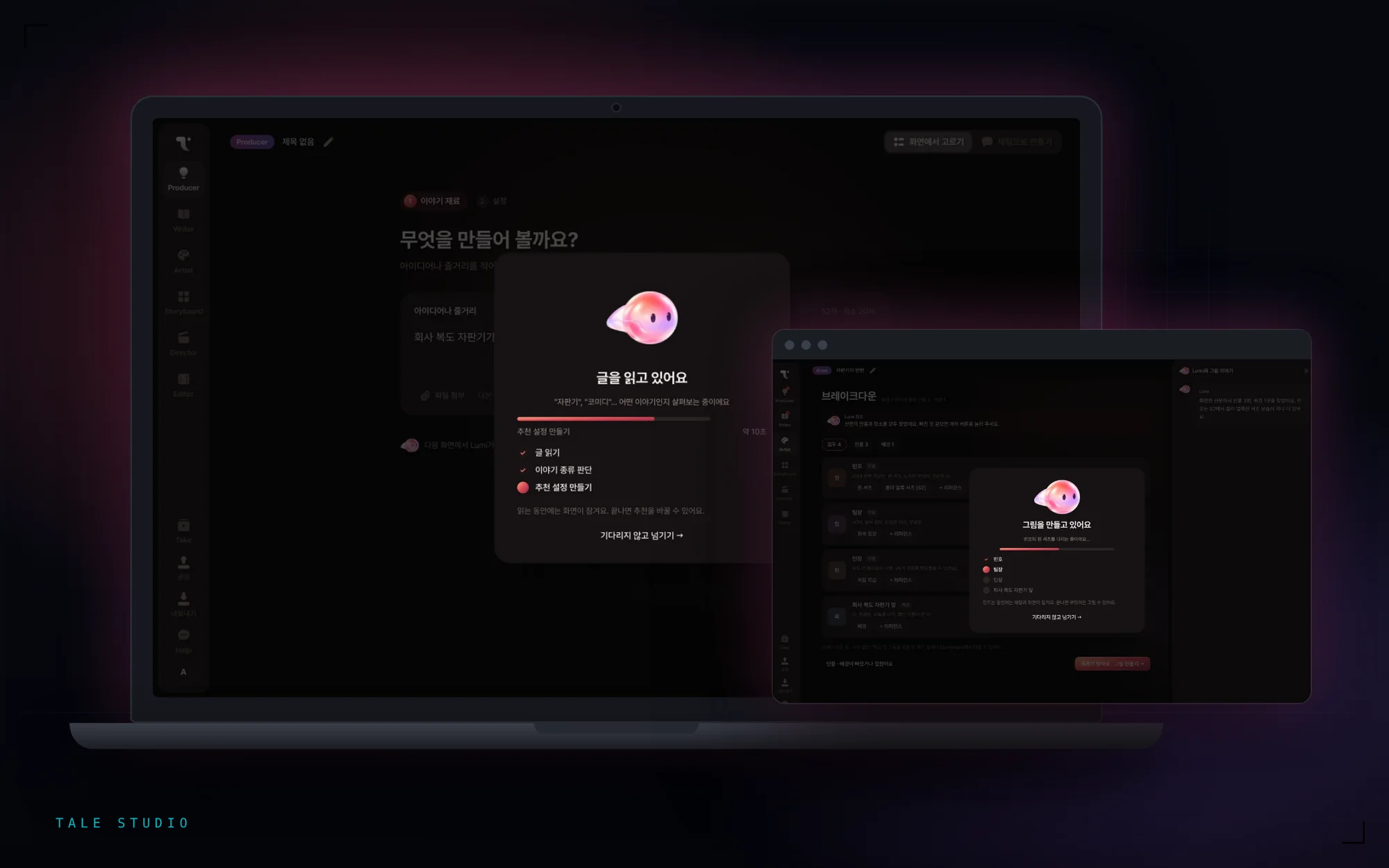
While the AI works — Lumi loading
Turning waits into a character's story — Lumi reads, writes, draws and directs.
The whole screen locks while the AI works, so the real job was making those seconds-to-minutes never feel frozen. Each stage shows Lumi doing that very work, alongside progress and a live checklist. Below are the loading screens rebuilt with the actual Lumi renderer.
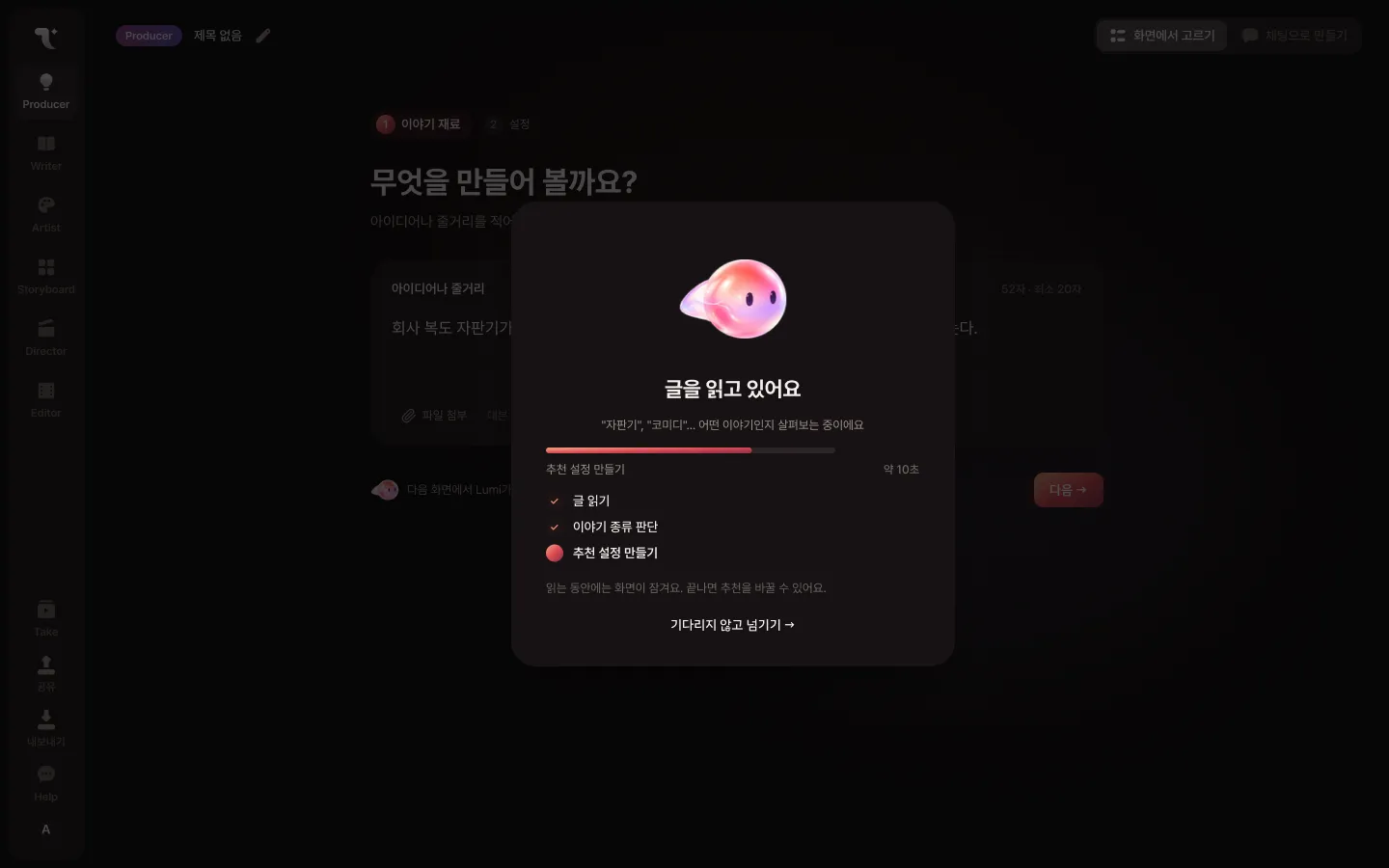
Reading your story
“Vending machine”, “comedy”… working out what kind of story this is
Per-stage process — flow charts
Flow before screens — happy path, branches, errors and rollbacks.
For every stage I designed not just the happy path but alternate flows on each yes/no branch, exception flows on errors, and where rollback is or isn't possible. A legend separates screens, popups, branches, AI-lock states, errors, new screens, rollbacks and locked values, so any node reads at a glance.
Single-file prototype
A prototype where the flow and the screens point at each other.
Prototype, flow and spec tabs live in one HTML file. Picking a screen lights its node in the flow chart beside it; clicking a node jumps to that screen. Plan A (pick on screen) and Plan B (build by chat) toggle side by side.
UI design — Figma
From foundations to all four stages, one system.
Brand gradients and the TAil logo, stage icons, sidebar navigation (done · current · upcoming), a screen/chat mode toggle, choice chips and option cards, Lumi chat bubbles and loading cards became components — and every Producer, Writer, Artist and Storyboard screen was designed under the same screen IDs as the flow.
Dev handoff
Every feature is tabled as before → after with its disposition (kept, changed, moved, new, split, removed) and where it touches the code, keyed by screen ID. Clicking an ID opens that prototype screen; picking a screen in the prototype pins its changes under the description.
Character — Lumi, 17 states
Keep the original illustration — let motion alone say the state.
The original Lumi artwork stays intact; only the coral-red gradient wave inside the body, the tail, the eyes, and the surrounding bubbles move to express 17 states. Switching states blends over 0.35s so nothing snaps.
States fall into three groups by use: 5 common states used everywhere, 5 'making' states that fill long loads, and 7 'moments' that play once and return to idle.
Character, per size
- 0140px · chat avatarIdle, listening, thinking, complete, error — distinguishable by eyes and posture even this small.
- 02200px · loading & confirmReading, writing, editing, drawing, directing — turning waits of seconds to minutes into a small story.
- 03320px · first screen & transitionsGreeting and next-stage — Lumi flies out and back in from the other side to mark a stage change.
“Drawing only the happy path gets you screens fast — but this product's difficulty lived in branches, errors and rollbacks. Setting the architecture and flows first meant the Figma screens, the prototype and the dev spec all share one set of screen IDs — one language for everyone.”